Catch a link campaign that stopped converting overnight
Every morning, WebRun opens the Branch dashboard, reads yesterday's clicks and installs for each link and campaign, compares them against the trailing average stored in Google Sheets, and sends a WhatsApp alert naming only the campaigns that dropped far enough to be worth checking.
- No credit card
- Under $0.01 per run
- Cancel anytime
How do I find out when a Branch link campaign stops converting?
WebRun watches your Branch links every morning. It reads yesterday's clicks and installs per link and campaign, compares each against its own trailing 14-day average in Google Sheets, and sends a WhatsApp alert only when a campaign falls off, so a broken link is fixed in a day rather than at the weekly review.
- A broken or misrouted link is caught the next morning
- Quiet on normal days, so every alert is worth reading
- Each campaign is judged against its own baseline, not a flat target
Built for growth teams · mobile marketers · app product managers · performance agencies
What does WebRun do on every run?
The exact actions WebRun takes, in order - in plain language, so you can adjust anything.
-
WebRun signs in and gets to work
Opens
dashboard.branch.ioin a real browser with your saved login - no setup, no API keys. -
1
Branch - read yesterday's link numbers
branch.io
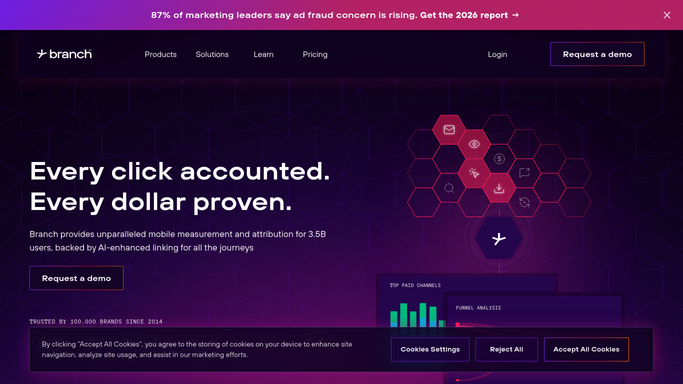
WebRun opens Branch to read yesterday's link numbers. - Open the Branch dashboard and set the date range to yesterday
- Read clicks and installs per link and per campaign
- Capture the attribution split so a routing change is visible, not just a volume change
- Note any link with zero activity that had traffic the day before
Done when Yesterday's clicks and installs are captured for every active link.
-
2
Google Sheets - compare against the recent norm
google.com How to Automate Google Sheets

WebRun opens Google Sheets to compare against the recent norm. - Append yesterday's numbers to the tracking sheet, one row per link
- Work out the trailing 14-day average for each link and campaign
- Mark anything below the threshold you set, for example half the recent average
- Mark any link that went from steady traffic to zero as a likely break
Done when Every link is compared against its own recent baseline.
-
3
WhatsApp - alert on the campaigns that dropped
whatsapp.com How to Automate WhatsApp

WebRun opens WhatsApp to alert on the campaigns that dropped. - Send a message only when at least one campaign is below threshold
- Name the campaign, yesterday's number, the 14-day average, and the size of the drop
- Put links that fell to zero at the top, since those usually mean a broken destination
- Stay silent on a normal day, so an alert always means something
Done when You are told about every campaign that fell off, and nothing else.
How is each run configured?
Secure by default
Connect once, stays signed in
WebRun signs in once and keeps each session in a persistent environment, so every run picks up right where it left off.
Every action is checked against this policy before it runs.
Questions, answered
Will it message me every single morning?
No. It only sends a WhatsApp message when a campaign falls below the threshold you set. A normal day is silent, so an alert always means a link needs checking.
How does it tell a real drop from normal weekday variation?
It compares each link against its own trailing 14-day average rather than a fixed number, and only speaks up past the threshold you set, so weekend dips do not trigger it.
Can it change or pause a link in Branch?
No. The run is read only inside Branch. WebRun captures the numbers and reports them. Editing, pausing, or fixing a link is done by you.
Related templates
Put this on autopilot.
Turn it on in minutes - or have our team set it up for you.