Chase outstanding supplier invoices before they become overdue
Every Monday, WebRun opens QuickBooks, finds outstanding supplier invoices due within the next seven days, cross-references which suppliers relate to bowling operations via Conqueror X purchase history, and drafts a polite follow-up or payment-confirmation email in Gmail for each, ready for your review before anything is sent.
- No credit card
- Under $0.01 per run
- Cancel anytime
How do I automatically track and chase upcoming supplier invoices for my bowling center?
WebRun opens QuickBooks every Monday, finds supplier invoices due within seven days, cross-references the supply category using Conqueror X purchase history, and drafts a professional follow-up email in Gmail for each supplier. Every draft waits for your review before being sent, so upcoming payments are never forgotten and supplier relationships stay professional.
- Upcoming supplier invoices surfaced every Monday before they become overdue
- Follow-up drafts ready in Gmail with invoice details included
- No supplier email sent without manager approval
Built for bowling center owners · bowling center managers · bowling center accountants
What does WebRun do on every run?
The exact actions WebRun takes, in order - in plain language, so you can adjust anything.
-
WebRun signs in and gets to work
Opens
quickbooks.intuit.comin a real browser with your saved login - no setup, no API keys. -
1
QuickBooks - find invoices due within 7 days
- Open QuickBooks and navigate to the Bills or Accounts Payable section
- Filter for unpaid bills due within the next 7 days
- Capture the supplier name, invoice amount, due date, and any reference number
Done when All upcoming supplier invoices are listed with their due dates and amounts.
-
2
Conqueror X - cross-reference supplier and order context
qubicaamf.com How to Automate Conqueror X
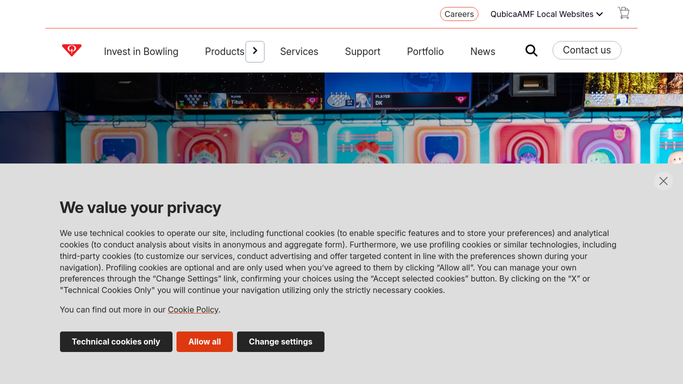
WebRun opens Conqueror X to cross-reference supplier and order context. - Check whether the supplier appears in Conqueror X purchase history for context
- Note the nature of the supply: lane oil, equipment parts, food and beverage stock, or other
- Flag if any item from this supplier is currently low in inventory
Done when Each supplier is contextualized with their supply category and any inventory relevance.
-
3
Gmail - draft payment follow-up email for each supplier
gmail.com How to Automate Gmail

WebRun opens Gmail to draft payment follow-up email for each supplier. - Draft a short, professional email to each supplier confirming the invoice is in process or requesting any missing details
- Personalize with the invoice reference number and due date
- Save each email as a Gmail draft, not sent
- Do not send any email without your review and approval
Done when A Gmail draft is saved for each upcoming supplier invoice, ready for your review.
How is each run configured?
Secure by default
Connect once, stays signed in
WebRun signs in once and keeps each session in a persistent environment, so every run picks up right where it left off.
Every action is checked against this policy before it runs.
Questions, answered
Will it send emails to suppliers automatically?
No. Every email is saved as a Gmail draft for your review. Nothing is sent until you open the draft, make any changes you want, and click Send yourself.
Does it make any payments in QuickBooks?
No. WebRun is read-only in QuickBooks. It finds upcoming bills and drafts the communication; it does not process or schedule any payments.
What if an invoice was already paid this week?
It reads the live status in QuickBooks each Monday, so any invoice marked as paid is excluded from the draft list automatically.
Related templates
Put this on autopilot.
Turn it on in minutes - or have our team set it up for you.