Give every incoming device a consistent intake checklist
The moment your receiving team submits a new equipment intake form, WebRun creates the asset record in Nuvolo with the manufacturer, model, and serial number, uploads the manuals, packing list, and any certificates to a Box folder for that asset, and posts your biomedical engineering team a Microsoft Teams notice that incoming inspection and sign off are needed before the device is released for clinical use.
- No credit card
- Under $0.01 per run
- Cancel anytime
How do I standardize the intake checklist for new medical equipment arriving in Nuvolo?
The moment a new equipment intake form is submitted, WebRun creates the asset record in Nuvolo with a pending inspection status, uploads its manuals and certificates to a matching Box folder, and posts your biomedical engineering team a Microsoft Teams notice that inspection and sign off are needed before the device is released for clinical use.
- Every new device gets the same asset record fields filled in, no missed details
- Manuals and certificates are filed the same day instead of lost in email
- No device reaches a clinical floor without a logged inspection requirement
Built for biomedical engineering technicians · clinical engineering intake coordinators · hospital receiving and logistics staff · HTM program managers
What does WebRun do on every run?
The exact actions WebRun takes, in order - in plain language, so you can adjust anything.
-
WebRun signs in and gets to work
Opens
www.nuvolo.comin a real browser with your saved login - no setup, no API keys. -
1
Nuvolo - create the new asset record
nuvolo.com How to Automate Nuvolo
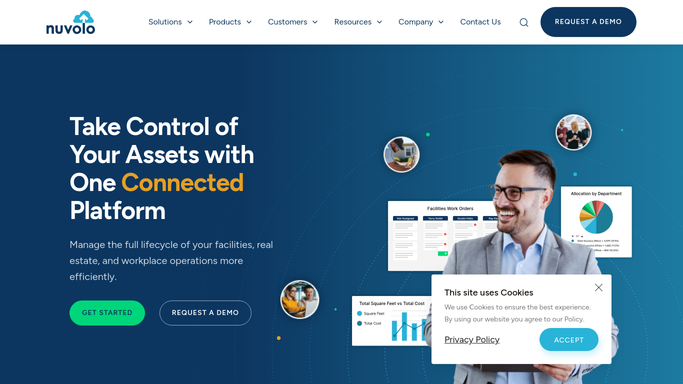
WebRun opens Nuvolo to create the new asset record. - Open Nuvolo and create a new asset record from the intake form details
- Fill in manufacturer, model, serial number, department, and funding source
- Set the asset status to pending inspection, not yet in service
Done when The new asset exists in Nuvolo with a pending inspection status.
-
2
Box - store manuals and certificates
box.com

WebRun opens Box to store manuals and certificates. - Create a folder for the new asset using its Nuvolo asset number
- Upload the manuals, packing list, and any included certificates from the intake form
- Name each file clearly so the inspecting technician can find it fast
Done when Every document from the intake form is stored in the asset's Box folder.
-
3
Microsoft Teams - notify your team inspection is needed
microsoft.com How to Automate Microsoft Teams

WebRun opens Microsoft Teams to notify your team inspection is needed. - Post a notice to the biomedical engineering channel naming the new asset and its Box folder
- Ask for an incoming inspection to be scheduled before the device is released
- Tag the technician assigned to incoming inspection for that department
Done when Your team has a Teams notice that the new asset needs inspection before release.
How is each run configured?
Secure by default
Connect once, stays signed in
WebRun signs in once and keeps each session in a persistent environment, so every run picks up right where it left off.
Every action is checked against this policy before it runs.
Questions, answered
Does it clear the device for clinical use automatically?
No. It only creates the asset record and flags it as pending inspection. Only a technician's completed incoming inspection and sign off in Nuvolo releases a device for clinical use.
What if the intake form is missing information?
It fills in whatever fields the form provides and leaves the rest blank in Nuvolo rather than guessing, so a technician can complete the record during inspection.
Where do the manuals and certificates end up?
They're uploaded to a Box folder named after the new asset's Nuvolo number, so anyone who opens the asset record can find the documents without searching email.
Related templates
Put this on autopilot.
Turn it on in minutes - or have our team set it up for you.