Confirm tomorrow's delivery routes before your drivers hit the road
Every evening, WebRun opens VIP, pulls the next day's route manifest for each driver, checks for missing stop details or scheduling conflicts, logs the confirmed routes in Google Sheets, and sends each driver a Telegram message with their stop list and first-stop address for the morning.
- No credit card
- Under $0.01 per run
- Cancel anytime
How do I automatically send delivery route confirmations to my beverage distribution drivers?
WebRun pulls the next day's route manifest from VIP every evening, checks for missing details or conflicts, logs all routes in Google Sheets, and sends each driver a Telegram message with their confirmed stop list and first-stop address, so every driver knows exactly where they are going before leaving the warehouse.
- Every driver receives their route confirmation before they reach the warehouse
- Route conflicts and missing details flagged the evening before for operations to fix
- All route history logged in Google Sheets for on-time delivery trend analysis
Built for beverage distributors · delivery operations teams · route managers · beer and wine wholesalers
What does WebRun do on every run?
The exact actions WebRun takes, in order - in plain language, so you can adjust anything.
-
WebRun signs in and gets to work
Opens
apps.vtinfo.com/beveragein a real browser with your saved login - no setup, no API keys. -
1
VIP - pull next-day route manifest
vtinfo.com How to Automate VIP
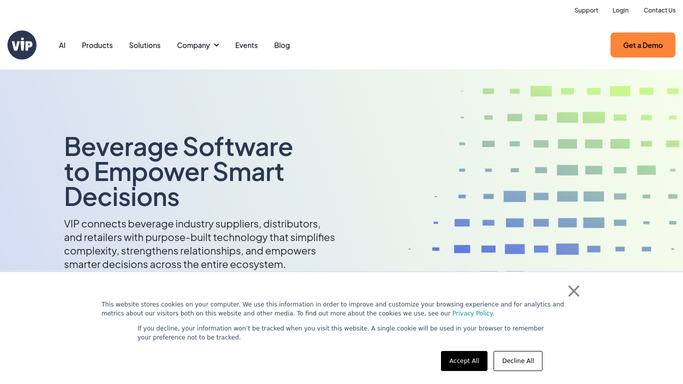
WebRun opens VIP to pull next-day route manifest. - Open VIP and pull the next day's delivery route manifest
- List all stops per route with account name, address, delivery window, and order summary
- Flag any route with missing stop details or overlapping time windows
- Capture the driver assigned to each route
Done when All next-day routes are captured with stops, details, and any flags noted.
-
2
Google Sheets - log confirmed routes
google.com How to Automate Google Sheets

WebRun opens Google Sheets to log confirmed routes. - Append each route to the daily route log with date, driver, stop count, and any flags
- Update the route history so operations can review on-time patterns over time
Done when Tomorrow's routes are logged in the Google Sheets route tracker.
-
3
Telegram - send driver route confirmation
telegram.org How to Automate Telegram

WebRun opens Telegram to send driver route confirmation. - Send each driver a Telegram message with their stop list in sequence
- Include the first-stop address, estimated departure time, and total stop count
- Add a note for any flagged stop that may need operations attention
Done when Every driver has received their route confirmation on Telegram.
How is each run configured?
Secure by default
Connect once, stays signed in
WebRun signs in once and keeps each session in a persistent environment, so every run picks up right where it left off.
Every action is checked against this policy before it runs.
Questions, answered
What if a route has a flagged conflict or missing stop details?
WebRun notes the flag in the Telegram message and in the Google Sheets log so operations can resolve it that evening before drivers start. Flagged stops are clearly marked so nothing is missed.
Can it handle multiple routes and drivers at once?
Yes. WebRun processes every route on the manifest and sends each driver their own individual Telegram message, so there is no manual per-driver work.
What if a driver does not use Telegram?
You can swap Telegram for SMS via Twilio or another messaging channel. Tell WebRun your preferred channel at setup and it will use that for confirmations instead.
Related templates
Put this on autopilot.
Turn it on in minutes - or have our team set it up for you.