Draft replies to guest refund requests
Every morning, WebRun opens accesso, finds refund requests still pending a response, drafts a credit memo in QuickBooks for the amount and reason, and posts guest services and finance a Slack list to review, approve, and actually process. WebRun never issues a refund or moves money on its own.
- No credit card
- Under $0.01 per run
- Cancel anytime
How do I keep up with pending guest refund requests without missing any?
WebRun checks accesso every morning for refund requests still awaiting a response, drafts a credit memo in QuickBooks with the amount and reason for each, and posts guest services and finance a ranked Slack queue to review. WebRun never issues a refund or moves money itself, a person always approves and processes the actual transaction.
- No pending refund request sits untouched past your morning review
- Finance gets a drafted credit memo instead of building one from scratch
- Every refund still needs a human approval before any money moves
Built for guest services teams · theme park finance departments · water park customer support · attractions accounting staff
What does WebRun do on every run?
The exact actions WebRun takes, in order - in plain language, so you can adjust anything.
-
WebRun signs in and gets to work
Opens
www.accesso.comin a real browser with your saved login - no setup, no API keys. -
1
accesso - find pending refund requests
accesso.com How to Automate accesso
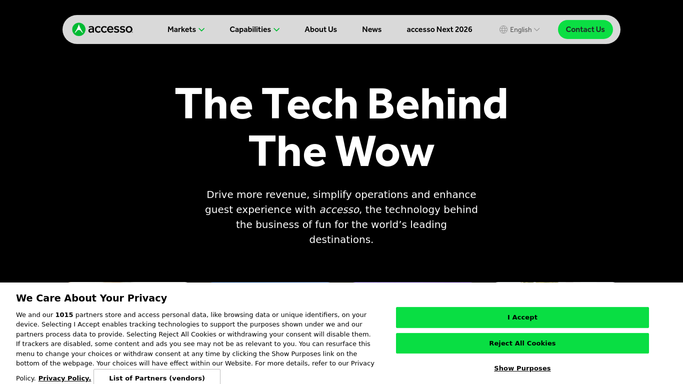
WebRun opens accesso to find pending refund requests. - Open accesso and filter refund requests with no response yet
- Capture the guest, purchase, amount, and stated reason for each
- Sort by how long the request has been waiting
Done when Every pending refund request is listed with its amount and reason.
-
2
QuickBooks - draft the credit memo
- Draft a credit memo for the requested amount against the original purchase
- Attach the guest's stated reason and the original transaction reference
- Leave the memo unposted. It is a draft, not an issued refund
Done when A draft credit memo exists in QuickBooks for every pending request.
-
3
Slack - route it for approval
slack.com How to Automate Slack

WebRun opens Slack to route it for approval. - Post guest services and finance a list of drafted refunds waiting on approval
- Sort the oldest and largest requests to the top
- Leave approving and actually issuing the refund to your team in QuickBooks
Done when Your team has today's refund queue ready to approve and process.
How is each run configured?
Secure by default
Connect once, stays signed in
WebRun signs in once and keeps each session in a persistent environment, so every run picks up right where it left off.
Every action is checked against this policy before it runs.
Questions, answered
Does it actually issue the refund to the guest's card?
No. It only drafts a credit memo in QuickBooks with the amount and reason. Approving and issuing the actual refund is a step your finance or guest services team takes.
How does it decide which requests are still pending?
It reads the live status of each refund request in accesso every morning, so anything already approved, denied, or issued drops off the list automatically.
What if a request needs more information before it can be processed?
It still drafts the memo with whatever detail accesso has, and your team can flag it for follow up with the guest before approving, rather than it getting lost in the queue.
Related templates
Put this on autopilot.
Turn it on in minutes - or have our team set it up for you.