Brief your team before every customer review call
Every morning, WebRun opens AskNicely, pulls each customer's most recent score and written comment, checks Google Calendar for the account meetings happening today, and sends the meeting owner a short WhatsApp brief so nobody walks into a call blind.
- No credit card
- Under $0.01 per run
- Cancel anytime
How do I get customer feedback in front of my team before every call?
WebRun briefs your team before customer calls every morning. It reads each account's latest AskNicely score and written comment, checks Google Calendar for the customer meetings booked today, then sends the meeting owner a short WhatsApp brief, so every call starts with current feedback rather than guesswork.
- Every customer call starts with that account's latest score and comment
- Owners get their brief before the first meeting of the day
- Sentiment changes are surfaced instead of buried in a dashboard
Built for customer success teams · account managers · support leads · B2B services firms
What does WebRun do on every run?
The exact actions WebRun takes, in order - in plain language, so you can adjust anything.
-
WebRun signs in and gets to work
Opens
asknicely.comin a real browser with your saved login - no setup, no API keys. -
1
AskNicely - read the latest scores and comments
asknicely.com
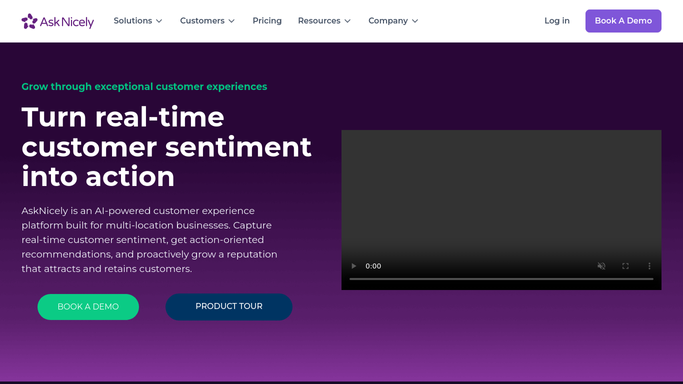
WebRun opens AskNicely to read the latest scores and comments. - Open AskNicely and go to the responses list
- Capture the most recent score, comment, and response date for each customer
- Note any customer whose score has moved since the previous response
Done when Every customer has their latest score and comment captured.
-
2
Google Calendar - find today's customer meetings
calendar.google.com How to Automate Google Calendar

WebRun opens Google Calendar to find today's customer meetings. - Open Google Calendar and list today's meetings
- Keep the ones whose title or guest list matches a customer account
- Record the meeting time and the internal owner for each
Done when Today's customer meetings are matched to their accounts and owners.
-
3
WhatsApp - send each owner a pre-call brief
whatsapp.com How to Automate WhatsApp

WebRun opens WhatsApp to send each owner a pre-call brief. - Send each owner a WhatsApp brief for their calls today
- Lead with the customer's latest score, the comment in their own words, and the direction of travel
- Keep it internal: send to your own team thread, never to the customer
Done when Every owner with a customer call today has their brief in WhatsApp.
How is each run configured?
Secure by default
Connect once, stays signed in
WebRun signs in once and keeps each session in a persistent environment, so every run picks up right where it left off.
Every action is checked against this policy before it runs.
Questions, answered
Will it message customers on WhatsApp?
No. The brief goes only to your internal team thread. WebRun never messages a customer, and any customer-facing reply is left for a human to write and send.
What if a customer has never left feedback?
The brief says so plainly, so the owner knows this is a first-impression call rather than assuming silence means satisfaction.
Does it cover meetings added at the last minute?
Yes for anything on the calendar when the run starts. Set a second run closer to midday if your team books same-day calls often.
Related templates
Put this on autopilot.
Turn it on in minutes - or have our team set it up for you.