How to Automate Microsoft Teams

Microsoft Teams automates well inside its own estate. Power Automate has connectors for SharePoint, Outlook, Excel and hundreds of major products, and posts to a channel on almost any event. The systems with no connector, which in most companies is the interesting half, still need a person to go and look.

Teams is where the company's process actually lives

Microsoft Teams is the chat, meetings and files layer bundled with Microsoft 365, which means most companies did not so much choose it as receive it. That matters, because it ends up carrying more than conversation.

The channel structure usually mirrors the org chart, and the files tab is where the real version of a document lives. Approvals happen in it. Handovers happen in it. In a lot of firms the actual process, as distinct from the documented one, is whatever gets posted in a particular channel on a particular day of the week.

It also sits inside a governed estate. There is an IT department, a tenant, an admin consent screen, and a queue for getting anything installed. That changes what automation is realistic far more than any technical limit does.

The weekly update is assembled by hand

In most companies somebody spends Monday morning building a post.

They open three systems, copy numbers into a message, format it so it reads well on a phone, and post it to the leadership channel. Somebody else does the same for the operations channel on Thursday. A third person checks a queue twice a day and flags anything that has been sitting too long.

These are not junior tasks either. They tend to land on the person who understands the numbers, which means an experienced person spends a few hours a week transcribing figures from one screen to another.

And when that person is away, the update simply does not go out, which is the clearest sign it was never really a process.

The microsoft.com homepage, the app these three jobs run in. Microsoft Teams
Past the connector list The line-of-business system with no Power Automate connector can still put its numbers in a channel.
No IT ticket to raise Nothing gets installed into the tenant, so a team can start without waiting on an admin approval queue.
Approvals stay with people The channel gets the facts and the flag. What happens next is still somebody's decision to make.

Power Automate reaches everything Microsoft has a connector for

Teams has serious automation attached to it, and inside the Microsoft world it is genuinely strong.

Power Automate builds flows across hundreds of connectors, so a new SharePoint file, an Outlook email, a Forms response, an Excel row or a Planner task can all post to a channel, start an approval or update a record. Workflows can be attached directly to a channel. Adaptive Cards give a post buttons that write back. Approvals are a first-class feature rather than a convention.

The whole model rests on the connector list. Where a connector exists, this is excellent and you should use it rather than anything else. Where one does not, there is no route at all.

In most companies the systems without connectors are the specific ones: the industry package the business actually runs on, the regional supplier portal, the customer's own extranet, the internal tool a contractor built in 2011. Those hold the numbers people most want in the channel.

The systems outside the tenant can reach the channel too

The systems with no connector are still websites. A browser can open a website, and the connector list stops being the boundary.

The Monday leadership post, assembled from the three systems it currently takes a person to open. The queue that gets checked twice a day, checked every twenty minutes instead, with a message only when something has aged past its limit. The supplier portal that shows a delivery date nobody sees until a customer asks.

The industry system that runs the actual business, the one with no API and no export, reporting its own numbers into the channel where decisions get made about them.

There is a governance point here that works in your favour. Nothing is installed into the tenant, so there is no admin consent to obtain and no new app with standing permissions across the estate. The agent signs in the way a staff member does, sees what that person can see, and can be locked to an explicit list of sites.

The transcribing is the part to give away

The figure that goes into the post is on a screen in another system, and moving it across is typing. The judgement in the post is worth paying for. The transcription is not.

WebRun is an AI agent that works a real Chrome browser, signed in as you. It opens whatever holds the numbers, including the systems with no connector, reads what is on the screen, and posts the result into the Teams channel you choose.

It runs on your schedule in your own private environment, you can watch a run and stop it, and it can be restricted to a named set of domains. Anything that would go outside the company drafts and waits.

The workflows below are already built, and each one shows what it opens and in what order.

Questions people ask

Does our IT team need to approve an app in the tenant?

No. Nothing is installed into Microsoft 365 and no tenant-wide permissions are granted. The agent works the browser signed in as a normal user, so it sees exactly what that user can see.

Should we use this instead of Power Automate?

Not where a connector already exists. Power Automate is the better tool for anything inside the Microsoft estate. This is for the systems it has no connector for, and the two work together happily.

Can it be restricted to specific systems?

Yes. A workflow can be locked to an explicit list of domains, so an agent holding a session cannot wander into anything you did not name.

1,329 ready-made Microsoft Teams workflows

Each one names the apps it touches and the exact steps it takes. Open one to read what it will do, then turn it on.

Automated vcita New Client Onboarding Checklist
WebRun detects a new client record in vcita, creates an onboarding checklist card in Trello, and alerts the assigned staff member in Microsoft Teams.
vcitaMicrosoft TeamsTrello
Automated Textbroker Order Deadline Tracking
Every morning, WebRun checks Textbroker for open content orders and their due dates, adds each deadline to Google Calendar, and reminds the content team in Microsoft Teams before an order is late.
TextbrokerGoogle CalendarMicrosoft Teams
Automated TeamSupport At Risk Account Escalation
WebRun finds TeamSupport tickets from accounts with a declining customer health score, schedules a check in call on Google Calendar, and hands the account off to the customer success manager in Microsoft Teams.
TeamSupportGoogle CalendarMicrosoft Teams
Automated TeamDesk Weekly Usage Scorecards
WebRun checks your TeamDesk application each week, counts new and updated records by table, flags key dates coming up on Google Calendar, and posts the scorecard to Microsoft Teams.
TeamDeskGoogle CalendarMicrosoft Teams
Automated Teable New Project Base Setup
WebRun creates a new Teable base from your standard project template when a project kicks off, confirms the setup in Microsoft Teams, and creates the first tracking cards in Trello.
TeableMicrosoft TeamsTrello
Automated SysAid SLA Breach Alerts
WebRun watches open SysAid incidents against their SLA clock, posts an alert to Microsoft Teams the moment one is close to breaching, and creates a Trello remediation card to track the fix.
SysAidMicrosoft TeamsTrello
Automated StarOfService Unanswered Lead Alerts
Every hour, WebRun checks StarOfService for quote requests sitting unanswered, drafts a reply for your team to review, creates a Trello card, and alerts the team in Microsoft Teams.
StarOfServiceMicrosoft TeamsTrello
Automated Sendible Client Onboarding Checklist
WebRun walks through connecting a new client's profiles in Sendible, schedules their first week of posts on Google Calendar, and notifies the account team in Microsoft Teams.
SendibleGoogle CalendarMicrosoft Teams
Automated Secureworks Daily Alert Digest
WebRun checks Secureworks Taegis every morning for new critical and high severity alerts, books a triage slot on Google Calendar when needed, and posts the daily digest to Microsoft Teams.
SecureworksGoogle CalendarMicrosoft Teams
Automated Scytale SOC 2 Setup Tracking
WebRun walks a new Scytale compliance framework through its setup tasks, tracks what's done on Google Calendar, and posts progress to Microsoft Teams.
ScytaleGoogle CalendarMicrosoft Teams
Automated Saviynt New Hire Access Checklist
WebRun checks Saviynt for new hire access requests still awaiting approval or provisioning, logs a setup checklist card to Trello, and reminds the approver in Microsoft Teams.
SaviyntMicrosoft TeamsTrello
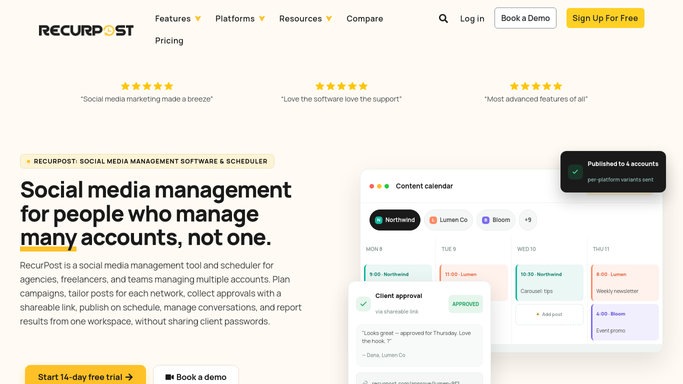
Automated RecurPost Weekly Performance Reports
WebRun checks RecurPost's published post performance each week, posts a scorecard to Microsoft Teams, and creates a Trello card when it's time to restock a client's content.
RecurPostMicrosoft TeamsTrello
Automated RealPage Lease Renewal Alerts
Every Monday, WebRun checks RealPage for leases expiring in the next 60 days, adds a renewal outreach task to Google Calendar, and alerts the property manager in Microsoft Teams.
RealPageGoogle CalendarMicrosoft Teams
Automated ReadMe API Version Launch Checklist
WebRun checks new ReadMe API versions for missing docs, posts checklist status to Teams, and books a publish review once it's complete.
ReadMeGoogle CalendarMicrosoft Teams
Automated Range Missing Check-In Chasing
WebRun finds who hasn't checked in on Range each morning, logs raised blockers as Trello cards, and reminds the team in Microsoft Teams.
RangeMicrosoft TeamsTrello
Automated PracticePanther Weekly Scorecard
Every Monday, WebRun pulls billable hours, open matters, and overdue invoices from PracticePanther, posts a scorecard to Microsoft Teams, and creates a Trello card for each overdue invoice.
PracticePantherMicrosoft TeamsTrello
Automated PeopleStrong Attendance Digest
WebRun checks PeopleStrong each morning for attendance exceptions and upcoming payroll dates, adds key deadlines to Google Calendar, and posts a digest to Microsoft Teams for HR.
PeopleStrongGoogle CalendarMicrosoft Teams
Automated PeopleKeep Reimbursement Reminders
WebRun checks PeopleKeep for HRA reimbursement submissions awaiting review, creates a Trello card per pending submission, and posts a reminder to Microsoft Teams before the monthly processing deadline.
PeopleKeepMicrosoft TeamsTrello
Automated Maersk Container Shipment Digest
Every morning, WebRun checks your Maersk account for container status and ETA updates, adds any changed arrival date to your calendar, and posts a digest to Microsoft Teams.
MaerskGoogle CalendarMicrosoft Teams
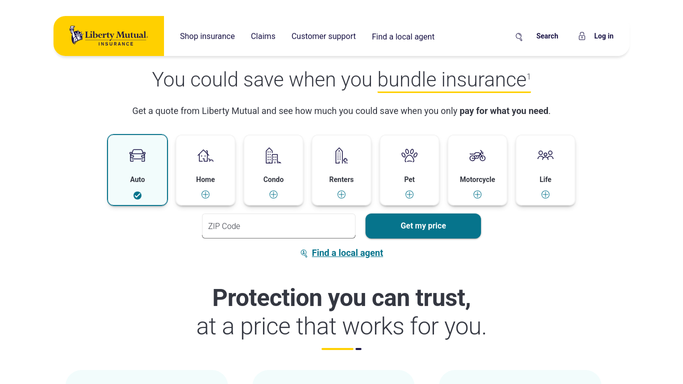
Automated Liberty Mutual Renewal Handoff
WebRun checks your Liberty Mutual policies for renewals coming up in 30 days, posts the details to Microsoft Teams, and creates a Trello card so someone owns the review.
Liberty MutualMicrosoft TeamsTrello
Automated Root Insurance Claim Status Alerts
WebRun checks Root Insurance for claim status changes, logs each update to a Trello board, and posts a Microsoft Teams alert so nothing is missed.
Root InsuranceMicrosoft TeamsTrello
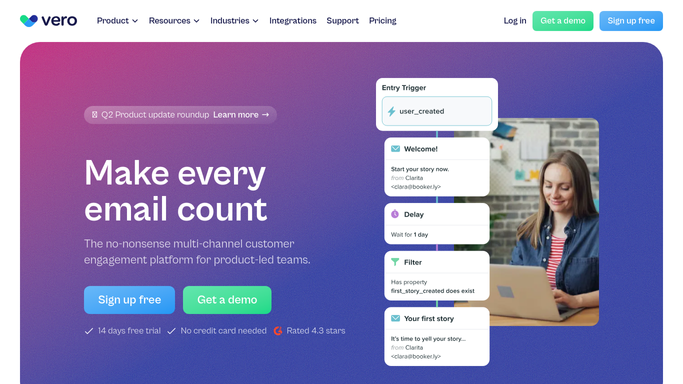
Automated Vero Workflow Error Handoff
Every hour, WebRun checks Vero for a triggered workflow that failed or errored, hands off the details to the engineer on Microsoft Teams, and logs a Trello card to track the fix.
VeroMicrosoft TeamsTrello
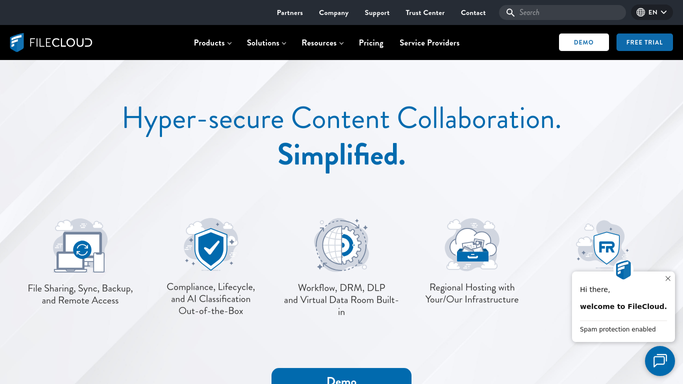
Automated FileCloud Storage Quota Alerts
WebRun checks FileCloud storage quotas each morning, flags anyone at 90 percent or more, schedules an admin review, and alerts IT in Microsoft Teams.
FileCloudGoogle CalendarMicrosoft Teams
Automated Droplr Daily Share Digest
WebRun checks Droplr every night for screenshots and recordings shared that day, posts a digest to Microsoft Teams, and logs anything needing action as a Trello card.
DroplrMicrosoft TeamsTrello

Want one of these running on your own Microsoft Teams?

Show WebRun the process once and it will run it on schedule, in your own private browser environment.