Catch report errors pre-delivery
Every few minutes, WebRun opens a la mode Total, reviews reports flagged as near-complete against your QC checklist, identifies any missing or incomplete items, posts a Slack alert for each report that needs attention, and drafts a QC summary email in Gmail for your records before the report ships.
- No credit card
- Under $0.01 per run
- Cancel anytime
How do I automatically run QC checks on appraisal reports before delivery?
WebRun reviews near-complete reports in a la mode Total every few minutes against your QC checklist, posts a Slack alert for any report missing a required item, and drafts a QC summary email in Gmail for your records. No report is submitted or delivered by WebRun. Delivery always stays with you.
- Every report checked against your QC list before delivery
- Missing items flagged in Slack with the specific field that needs attention
- QC summary draft in Gmail creates a permanent record for every report
Built for residential appraisers · appraisal firms · appraisal supervisors · review appraisers
What does WebRun do on every run?
The exact actions WebRun takes, in order - in plain language, so you can adjust anything.
-
WebRun signs in and gets to work
Opens
www.alamode.comin a real browser with your saved login - no setup, no API keys. -
1
a la mode Total - review reports for QC items
alamode.com
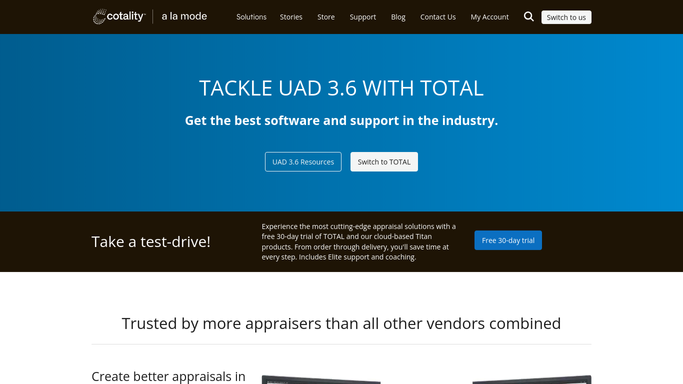
WebRun opens a la mode Total to review reports for QC items. - Open a la mode Total and find reports marked as ready for QC or near-complete
- Run through the QC checklist for each report: verify subject photo is attached, all addenda are present, signature block is complete, effective date is correct, and certification page is included
- Note any missing or incomplete item for each report
Done when Every near-complete report has been checked against the QC list and any issues noted.
-
2
Slack - flag reports needing attention
slack.com How to Automate Slack

WebRun opens Slack to flag reports needing attention. - Post a Slack alert for each report that has a QC issue, naming the property address, order number, and the specific item that is missing or incomplete
- Sort by delivery date so the most urgent reports appear first
- Reports with no QC issues get a brief confirmation note
Done when You have a Slack alert for every report that needs attention before delivery.
-
3
Gmail - draft QC summary for records
gmail.com How to Automate Gmail

WebRun opens Gmail to draft QC summary for records. - Draft a QC summary email for each reviewed report listing items checked and any issues found
- Save each email as a Gmail draft for your review and records. Do not send without approval
- The draft serves as a QC log you can keep or share with a supervisor
Done when A Gmail draft QC summary exists for every report reviewed this run.
How is each run configured?
Secure by default
Connect once, stays signed in
WebRun signs in once and keeps each session in a persistent environment, so every run picks up right where it left off.
Every action is checked against this policy before it runs.
Questions, answered
Will it deliver or submit the report after the QC check?
No. WebRun flags issues and drafts a QC summary but does not submit or deliver any report on your behalf. Delivering a completed appraisal is an irreversible action that stays entirely with you.
What QC items does it check?
By default it checks for a subject photo, required addenda, a complete signature block, the correct effective date, and the certification page. You can expand the checklist in your workflow settings to include any firm-specific items.
What happens when a report passes QC with no issues?
WebRun posts a brief Slack confirmation note and still drafts a clean QC summary in Gmail so you have a record of the check for each report, whether it had issues or not.
Related templates
Put this on autopilot.
Turn it on in minutes - or have our team set it up for you.