Catch Anomalo data quality failures the same day
Every morning, WebRun opens Anomalo, checks every monitored table's data quality checks from the overnight run, logs any check that failed to Airtable with its table and rule, and emails the data team a summary over Gmail.
- No credit card
- Under $0.01 per run
- Cancel anytime
How do I catch failed Anomalo data quality checks each day?
WebRun checks every monitored table's overnight Anomalo data quality run each morning, logs any failed check to Airtable with its table and rule, and emails the data team a summary over Gmail. Data quality and analytics engineering teams catch a bad table before it reaches a dashboard or a downstream report.
- A bad table is caught before it reaches a report
- Repeat failures are easy to spot in a dated Airtable log
- The team starts the day with the failure summary already in their inbox
Built for data quality teams · analytics engineers · data platform teams
What does WebRun do on every run?
The exact actions WebRun takes, in order - in plain language, so you can adjust anything.
-
WebRun signs in and gets to work
Opens
anomalo.comin a real browser with your saved login - no setup, no API keys. -
1
Anomalo - check overnight quality checks
anomalo.com
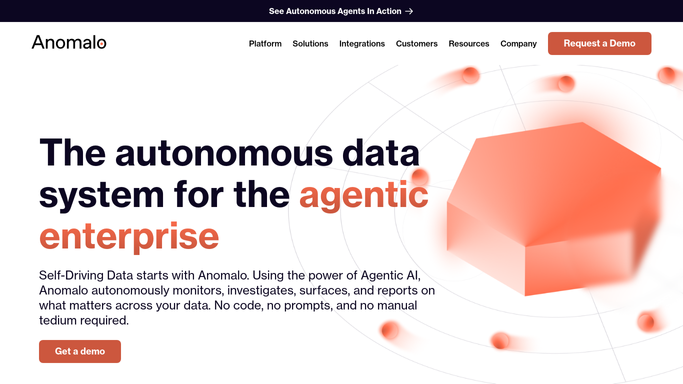
WebRun opens Anomalo to check overnight quality checks. - Open Anomalo and check the overnight run for every monitored table
- Read which checks passed and which failed
- Note the table, the rule, and the anomaly for each failure
Done when Every monitored table's overnight checks are read.
-
2
Airtable - log the failures
airtable.com How to Automate Airtable

WebRun opens Airtable to log the failures. - Open the data quality log base in Airtable
- Log a row for each failed check with its table and rule
- Keep a dated history so repeat failures stand out
Done when Every failed check today is logged.
-
3
Gmail - email the summary
gmail.com How to Automate Gmail

WebRun opens Gmail to email the summary. - Draft the data quality summary email to the data team
- List every failed check with its table and rule
- Send it from the shared data alerts account
Done when The team has today's failure summary in their inbox.
How is each run configured?
Secure by default
Connect once, stays signed in
WebRun signs in once and keeps each session in a persistent environment, so every run picks up right where it left off.
Every action is checked against this policy before it runs.
Questions, answered
Does WebRun fix the data behind a failed check?
No. It only reads check results from Anomalo and reports them. Fixing the source data or the pipeline stays a manual task.
Does it change any Anomalo check configuration?
No. It only reads results from checks you've already set up. Creating or tuning a check stays your decision.
How does it help with repeat failures?
The Airtable log is dated, so a check that fails morning after morning is easy to spot instead of blending into the daily email.
Related templates
Put this on autopilot.
Turn it on in minutes - or have our team set it up for you.