Chase missing customer documents so contracts and permits stay on track
Every Monday, WebRun checks AlarmBiller for accounts and work orders with outstanding required documents, reviews pending signature requests in DocuSign, and posts a prioritized document chase list to your admin Slack channel so your team knows exactly what to chase before jobs are delayed.
- No credit card
- Under $0.01 per run
- Cancel anytime
How can I automatically track and chase missing documents for alarm installation accounts?
WebRun checks AlarmBiller every Monday for accounts with missing required documents such as signed contracts, permits, or UL certificates, reviews pending DocuSign envelopes stalled for more than 5 days, and posts a prioritized document chase list to your Slack admin channel. Accounts with imminent installs appear first so nothing stalls a scheduled job.
- Missing documents are caught and chased weeks before they delay a scheduled install
- Admin team sees a prioritized list every Monday sorted by install urgency
- DocuSign stalls and AlarmBiller gaps are tracked in one place, not two separate tools
Built for alarm company admin teams · security dealer install coordinators · alarm operations managers · permit and compliance teams at alarm companies
What does WebRun do on every run?
The exact actions WebRun takes, in order - in plain language, so you can adjust anything.
-
WebRun signs in and gets to work
Opens
billing.alarmbiller.comin a real browser with your saved login - no setup, no API keys. -
1
AlarmBiller - find accounts with missing documents
alarmbiller.com How to Automate AlarmBiller
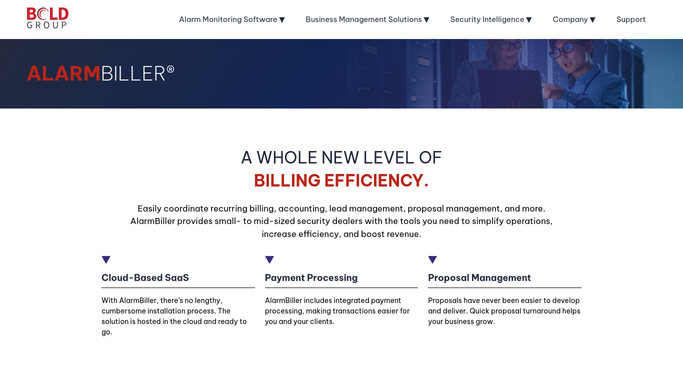
WebRun opens AlarmBiller to find accounts with missing documents. - Open AlarmBiller and review active accounts and work orders for flagged missing documents
- Identify accounts missing signed contracts, permit applications, UL certificates, or inspection reports
- Capture the customer name, document type, and days overdue for each outstanding item
Done when All accounts with missing required documents are listed with the document type and days outstanding.
-
2
DocuSign - check for unsigned or expired signature requests
docusign.com How to Automate DocuSign

WebRun opens DocuSign to check for unsigned or expired signature requests. - Log in to DocuSign and check for envelopes that are pending signature for more than 5 days
- Identify which customer each pending envelope belongs to
- Flag any envelope that has expired or been declined for follow-up action
Done when All pending or lapsed DocuSign envelopes are identified and matched to their customers.
-
3
Slack - post the document chase list
slack.com How to Automate Slack

WebRun opens Slack to post the document chase list. - Post a document chase list to the admin channel combining AlarmBiller gaps and DocuSign stalls
- Sort by urgency: accounts with installs scheduled soonest appear first
- List the document type, customer, days outstanding, and the responsible team member for each item
Done when The admin team has a prioritized document chase list in Slack to work through this week.
How is each run configured?
Secure by default
Connect once, stays signed in
WebRun signs in once and keeps each session in a persistent environment, so every run picks up right where it left off.
Every action is checked against this policy before it runs.
Questions, answered
Will it send reminders to customers to sign documents?
No. WebRun posts the chase list to your admin team in Slack. Your staff decides whether to resend a DocuSign envelope or contact a customer directly. Nothing is sent to customers automatically.
What types of missing documents does it flag?
It flags any document type marked as required in AlarmBiller, such as signed monitoring contracts, permit applications, UL certificates, and inspection reports. You configure the required document types during setup.
How does it know which installs are most urgent?
It cross-references the scheduled install date in AlarmBiller and sorts the chase list so accounts with the soonest scheduled work appear at the top.
Related templates
Put this on autopilot.
Turn it on in minutes - or have our team set it up for you.