Kick off new air cargo customer onboarding without the admin
When a new customer account is created in Awery, WebRun drafts a welcome email with lane and service information for your account manager to review, creates a DocuSign signature envelope for the service agreement, and books a kickoff call on Google Calendar so onboarding starts within 24 hours of account creation.
- No credit card
- Under $0.01 per run
- Cancel anytime
How do I automatically kick off air cargo customer onboarding when a new account is created?
When a new customer account is created in Awery, WebRun captures the contact and lane details, creates a draft DocuSign service agreement envelope for your account manager to review before sending, and books a kickoff call on Google Calendar within 2 business days so onboarding starts promptly without any manual coordination.
- New customer onboarding starts within hours of account creation in Awery, not days
- DocuSign agreement draft is ready for account manager review immediately after the trigger
- No onboarding step is forgotten because every new account follows the same automatic sequence
Built for airline cargo account managers · cargo sales teams · freight forwarders · air cargo GSAs
What does WebRun do on every run?
The exact actions WebRun takes, in order - in plain language, so you can adjust anything.
-
WebRun signs in and gets to work
Opens
awery.aeroin a real browser with your saved login - no setup, no API keys. -
1
Awery - detect new customer account creation
awery.aero How to Automate Awery
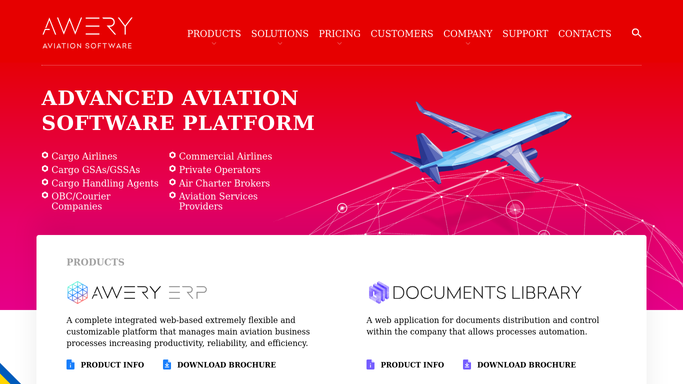
WebRun opens Awery to detect new customer account creation. - Detect a new customer account created in Awery
- Capture company name, primary contact name, contact email, assigned lanes, and commodity type
- Identify the assigned account manager from the Awery record
Done when New customer details including contact and lane information are captured from Awery.
-
2
DocuSign - create service agreement signature envelope
docusign.com How to Automate DocuSign

WebRun opens DocuSign to create service agreement signature envelope. - Create a new DocuSign envelope using the standard air cargo service agreement template
- Pre-fill the customer name, contact email, and agreed lanes in the document
- Leave the envelope in draft status for your account manager to review before sending to the customer for signature
Done when A DocuSign draft envelope exists for the new customer, ready for account manager review before sending.
-
3
Google Calendar - book kickoff call for account manager
calendar.google.com How to Automate Google Calendar

WebRun opens Google Calendar to book kickoff call for account manager. - Create a kickoff call event on the assigned account manager's calendar within the next 2 business days
- Set the event title to the customer company name and include their contact details in the description
- Add a 30-minute reminder before the call
Done when A kickoff call is booked on the account manager's calendar with customer details included.
How is each run configured?
Secure by default
Connect once, stays signed in
WebRun signs in once and keeps each session in a persistent environment, so every run picks up right where it left off.
Every action is checked against this policy before it runs.
Questions, answered
Will it send the service agreement to the customer automatically?
No. The DocuSign envelope is created as a draft for your account manager to review. The agreement is only sent to the customer for signature once the account manager approves it.
Can it handle different agreement templates for different customer types?
Yes. You can configure WebRun to select from multiple DocuSign templates based on the customer type or commodity recorded in Awery.
What if the new account is a test entry or a duplicate?
Because the DocuSign envelope is a draft and the kickoff call requires the account manager to action it, no harm is done. The account manager can simply delete the draft if the account was created in error.
Related templates
Put this on autopilot.
Turn it on in minutes - or have our team set it up for you.