Never let a PE or AIA license slip through the cracks
Every Monday, WebRun reads staff PE and AIA license expiry dates from a Google Sheets register linked to your Monograph project roster, flags anyone whose license expires within 90 days, posts an internal Slack alert for your firm leadership, and drafts a personal reminder email for each affected staff member for your review before it is sent.
- No credit card
- Under $0.01 per run
- Cancel anytime
How can I automatically track and remind staff about PE and AIA license renewals?
WebRun checks staff PE and AIA license expiry dates in Google Sheets every Monday, cross-references the active roster in Monograph, and posts an internal Slack alert listing anyone whose license expires within 90 days. Draft reminder emails are queued for leadership to review before any message is sent to staff.
- No PE or AIA license lapses unnoticed because a reminder was missed
- Firm leadership has 90 days of advance notice for every expiring credential
- Google Sheets license register stays current and highlighted for at-a-glance review
Built for architecture firms · engineering firms · AEC HR managers · principals · operations managers
What does WebRun do on every run?
The exact actions WebRun takes, in order - in plain language, so you can adjust anything.
-
WebRun signs in and gets to work
Opens
app.monograph.comin a real browser with your saved login - no setup, no API keys. -
1
Monograph - read staff roster
monograph.com
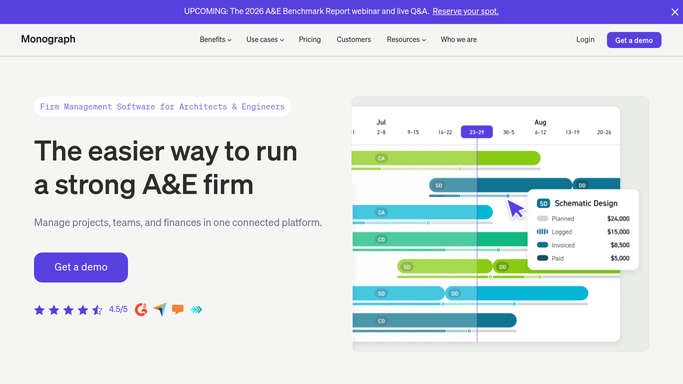
WebRun opens Monograph to read staff roster. - Open Monograph and read the active staff roster including names, roles, and license types
- Cross-reference each staff member against the license expiry register
- Identify anyone with a PE, AIA, or state architecture license expiring within 90 days
Done when All staff with licenses expiring within 90 days are identified.
-
2
Google Sheets - check license expiry register
google.com How to Automate Google Sheets

WebRun opens Google Sheets to check license expiry register. - Open the license expiry register in Google Sheets
- Update each staff member's row with the current date and highlight licenses expiring within 90 days in amber, within 30 days in red
- Add any staff or license types not yet in the register
Done when The license register is current and all at-risk licenses are highlighted.
-
3
Slack - post alert and queue staff reminders
slack.com How to Automate Slack

WebRun opens Slack to post alert and queue staff reminders. - Post an internal alert to the HR or operations channel listing each staff member with an expiring license, the license type, and days until expiry
- Note that draft reminder emails are ready in Gmail for leadership to review and send
- Flag anyone with a license expiring in under 30 days as urgent
Done when Firm leadership has a full license expiry alert in Slack and reminder drafts are queued for review.
How is each run configured?
Secure by default
Connect once, stays signed in
WebRun signs in once and keeps each session in a persistent environment, so every run picks up right where it left off.
Every action is checked against this policy before it runs.
Questions, answered
Will it send a reminder to the staff member automatically?
No. Personal reminders to staff are saved as Gmail drafts and listed in the Slack alert for leadership to review first. You decide who gets a reminder and send each email yourself.
What license types does it track?
WebRun tracks whatever license types you record in your Google Sheets register, including PE (professional engineer), AIA membership, state architecture licenses, and any other credentials your firm maintains. You control the register.
How far in advance does it start alerting?
The default window is 90 days, giving ample lead time for renewal applications. You can adjust the window when you configure the workflow to match your firm's renewal lead times.
Related templates
Put this on autopilot.
Turn it on in minutes - or have our team set it up for you.