Get a weekly scorecard for your ABV Mail inbox
Every Monday, WebRun opens ABV Mail, tallies how much mail came in last week, how much is still unread, and who your top senders were, checks Gmail for the same numbers, and logs a combined scorecard to Google Sheets so both inboxes are visible in one place.
- No credit card
- Under $0.01 per run
- Cancel anytime
How do I track my ABV Mail and Gmail inbox health together?
WebRun reviews both your ABV Mail and Gmail inboxes every Monday, tallying how much mail arrived, how much is still unread, and your top senders in each. It logs a combined scorecard as a new Google Sheets row, so you can see your total weekly workload across both inboxes in one place.
- Inbox volume and unread backlog get tracked every week without manual counting
- Two inboxes are combined into one weekly view
- A running history builds automatically in Google Sheets
Built for solo professionals · freelancers · small team leads · remote workers
What does WebRun do on every run?
The exact actions WebRun takes, in order - in plain language, so you can adjust anything.
-
WebRun signs in and gets to work
Opens
mail.abv.bgin a real browser with your saved login - no setup, no API keys. -
1
ABV Mail - tally the week's inbox activity
abv.bg
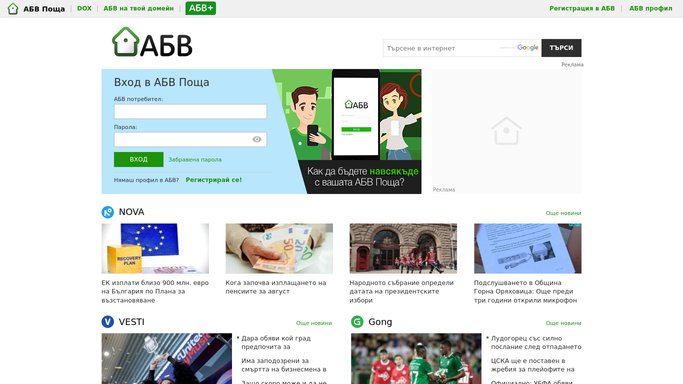
WebRun opens ABV Mail to tally the week's inbox activity. - Open ABV Mail and count messages received in the last 7 days
- Count how many are still unread
- List the senders who sent the most messages
Done when This week's ABV Mail volume, unread count, and top senders are tallied.
-
2
Gmail - tally the same numbers there
gmail.com How to Automate Gmail

WebRun opens Gmail to tally the same numbers there. - Open Gmail and count messages received in the last 7 days
- Count how many are still unread
- List the senders who sent the most messages
Done when This week's Gmail volume, unread count, and top senders are tallied.
-
3
Google Sheets - log the combined scorecard
google.com How to Automate Google Sheets

WebRun opens Google Sheets to log the combined scorecard. - Add a new row for this week with both inboxes' numbers side by side
- Keep one row per week so the sheet builds a running history
- Leave last week's row untouched
Done when This week's combined scorecard is saved as a new row.
How is each run configured?
Secure by default
Connect once, stays signed in
WebRun signs in once and keeps each session in a persistent environment, so every run picks up right where it left off.
Every action is checked against this policy before it runs.
Questions, answered
Does it clear my unread count for me?
No. WebRun only counts and reports across both inboxes. It never marks messages as read, archives them, or replies to anything while building the scorecard.
Why track two inboxes together?
If you actively use both ABV Mail and Gmail, a combined view shows your real total workload instead of just half of it.
What counts as a top sender?
Whoever sent you the most messages in the 7 day window in each inbox, so you can see who is driving volume on each side.
Related templates
Put this on autopilot.
Turn it on in minutes - or have our team set it up for you.