Chase Tenants for Missing Documents
Every Monday, WebRun checks Buildium for tenants with incomplete document files, cross-references DocuSign to see which envelopes are still unsigned, drafts a polite chase email for each one, and queues every draft for your approval before any message reaches a tenant.
How can I automatically chase tenants for missing lease documents?
Every Monday, WebRun checks Buildium for tenants with incomplete document files, cross-references DocuSign to identify unsigned envelopes, drafts a polite chase email for each tenant, and queues every draft for your approval — nothing reaches a tenant without your review.
- No outstanding document goes unnoticed each week
- Polite, consistent follow-up drafted automatically for every gap
- Every message held for approval before reaching a tenant
Built for property managers · leasing teams · residential property companies · landlords
What does WebRun do on every run?
The exact actions WebRun takes, in order — in plain language, so you can adjust anything.
-
WebRun signs in and gets to work
Opens
app.buildium.comin a real browser with your saved login — no setup, no API keys. -
1
Buildium — find tenants with missing documents
buildium.com
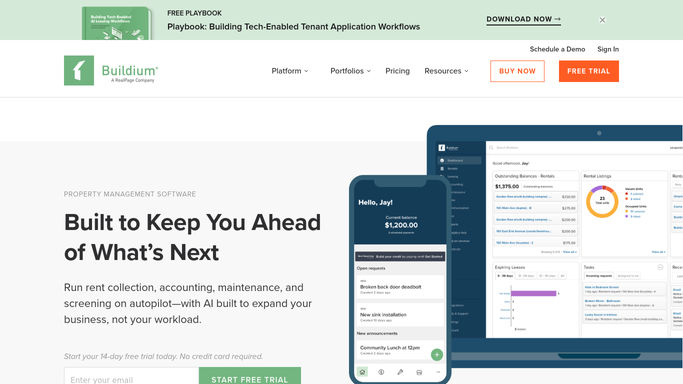
WebRun opens Buildium to find tenants with missing documents. - Open each active tenant's file in Buildium and check the Documents section for required files
- Flag any tenant missing a photo ID, proof of income, or signed lease addendum
- Note how many days since the original request was made
Done when All tenants with missing documents are listed with the specific files outstanding.
-
2
DocuSign — check for unsigned envelopes
docusign.com
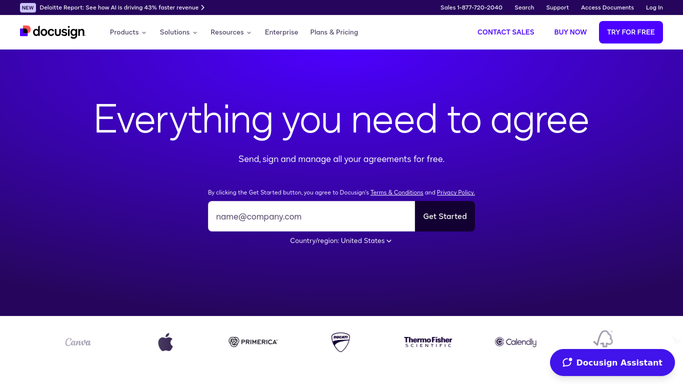
WebRun opens DocuSign to check for unsigned envelopes. - Open the DocuSign Sent folder and filter for envelopes with status Delivered but not Completed
- Match each unsigned envelope to the corresponding tenant
- Note the envelope name and how many days it has been waiting
Done when All unsigned DocuSign envelopes are identified and matched to tenants.
-
3
Gmail — draft the chase emails
gmail.com

WebRun opens Gmail to draft the chase emails. - Draft a polite chase email for each tenant listing the specific documents still needed
- Include a direct DocuSign link if an unsigned envelope is pending
- Save as a Gmail draft — no email reaches a tenant until you approve it
Done when A personalised chase draft is ready in Gmail for every tenant with outstanding documents.
How is each run configured?
Secure by default
Connect once, stays signed in
WebRun signs in once and keeps each session in a persistent environment, so every run picks up right where it left off.
Every action is checked against this policy before it runs.
Questions, answered
Will it contact tenants directly without my review?
No. Every chase email is a Gmail draft. You read it, make any edits, and click Send — nothing goes to a tenant without your approval.
Will it keep chasing the same tenant every week?
Yes, until Buildium shows the document as received or DocuSign shows the envelope as completed. Once the file is in order, that tenant drops off the list automatically.
What if a tenant says they already submitted the document?
Check Buildium — if the document isn't uploaded there yet, ask them to resubmit. WebRun reads the live file status each Monday, so an uploaded doc is cleared immediately.
Related templates
Put this on autopilot.
Turn it on in minutes — or have our team set it up for you.