Route New Client Intake to Attorneys
When a prospect submits an intake form, WebRun reads the matter type and conflict flags, opens Clio, creates a new matter and contact record, drafts a welcome email for attorney review, and pings the right practice-group channel in Slack.
How can I automatically route new client intake forms to the right attorney?
When a prospect submits your intake form, WebRun reads the matter type and conflict flags, opens Clio to create a new matter and contact record, drafts a welcome email for attorney review, and pings the right practice-group channel in Slack — so every inbound lead reaches the correct attorney without manual sorting.
- Every inbound lead is routed to the right attorney within minutes of submission
- New matter and contact records created in Clio automatically
- No intake form sits unassigned while a lead goes cold
Built for law firm intake coordinators · solo and small law firms · multi-practice law firms · legal operations managers
What does WebRun do on every run?
The exact actions WebRun takes, in order — in plain language, so you can adjust anything.
-
WebRun signs in and gets to work
Opens
app.clio.comin a real browser with your saved login — no setup, no API keys. -
1
Clio — create matter and contact record
clio.com
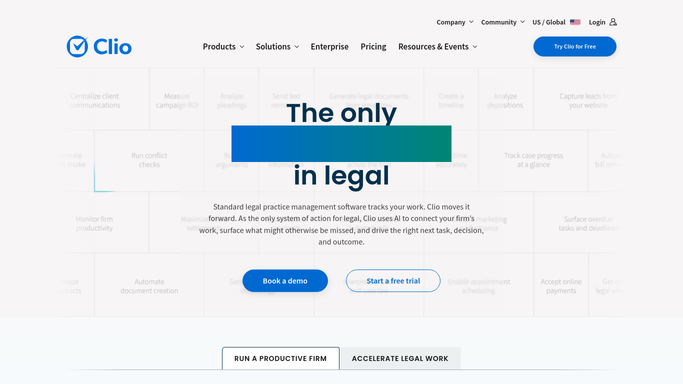
WebRun opens Clio to create matter and contact record. - Open Clio and go to New Matter; fill in the client name, contact details, and matter type from the intake form
- Set the responsible attorney based on the matter type routing table you configured
- Tag the matter with the correct practice group and origination source
- Save the matter and confirm the new Clio matter ID is assigned
Done when A Clio matter exists with the correct attorney, practice group, and client contact linked.
-
2
Gmail — draft welcome email for review
gmail.com

WebRun opens Gmail to draft welcome email for review. - Draft a personalised welcome email to the prospect acknowledging receipt of their inquiry
- Include the matter type, next-steps summary, and the assigned attorney's name
- Save the draft — do not send until the attorney reviews and approves it
Done when A welcome-email draft sits in Gmail ready for the attorney to review and send.
-
3
Slack — notify the practice group
slack.com

WebRun opens Slack to notify the practice group. - Post a message to the relevant practice-group channel with the prospect name, matter type, and Clio matter link
- Flag any form fields that look incomplete or need follow-up
Done when The practice group has been notified and can act on the new matter immediately.
How is each run configured?
Secure by default
Connect once, stays signed in
WebRun signs in once and keeps each session in a persistent environment, so every run picks up right where it left off.
Every action is checked against this policy before it runs.
Questions, answered
Will it email the prospect without an attorney approving first?
No. WebRun saves the welcome email as a Gmail draft. Nothing is sent until the assigned attorney opens it and clicks Send.
How does it know which attorney to assign?
You give WebRun a routing table — e.g. family law goes to Partner A, corporate to Partner B. You can update the rules anytime without touching the workflow.
What if the form is missing required fields?
WebRun flags the gaps in the Slack message so the intake coordinator can follow up before the matter moves forward.
Related templates
Put this on autopilot.
Turn it on in minutes — or have our team set it up for you.